Try the latest features and start your Web3 meeting journey
A Web3-native decentralized meeting app
Try the latest features and start your Web3 meeting journey
Explore VeZoom features
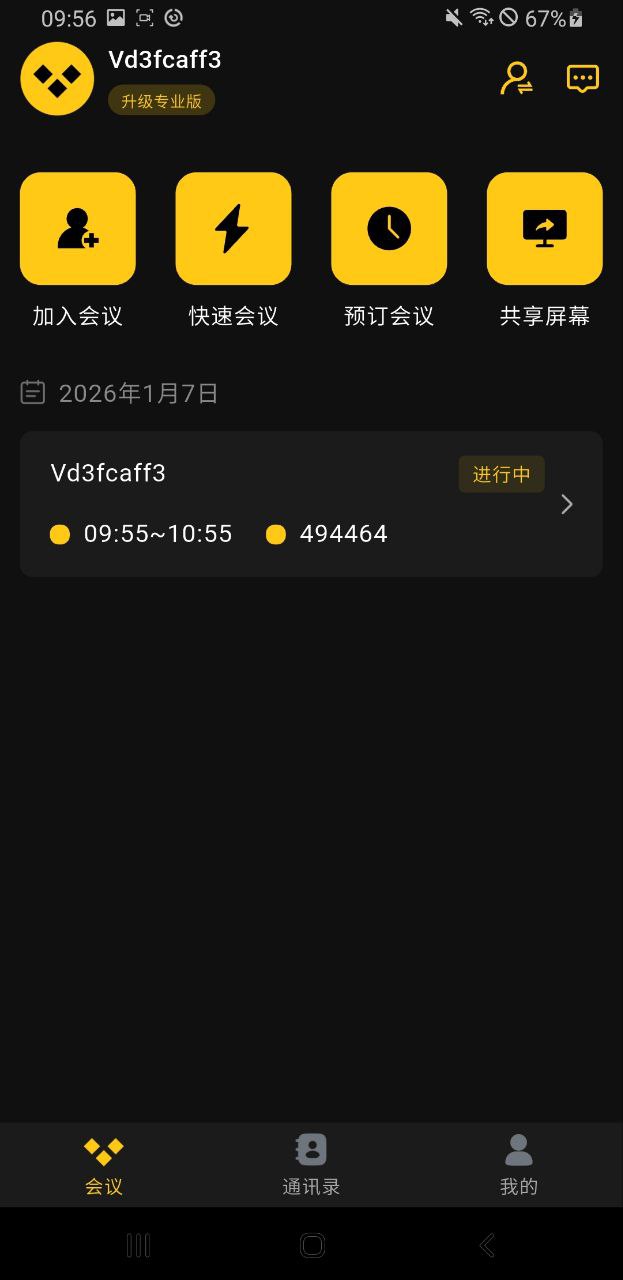
Screenshot 1
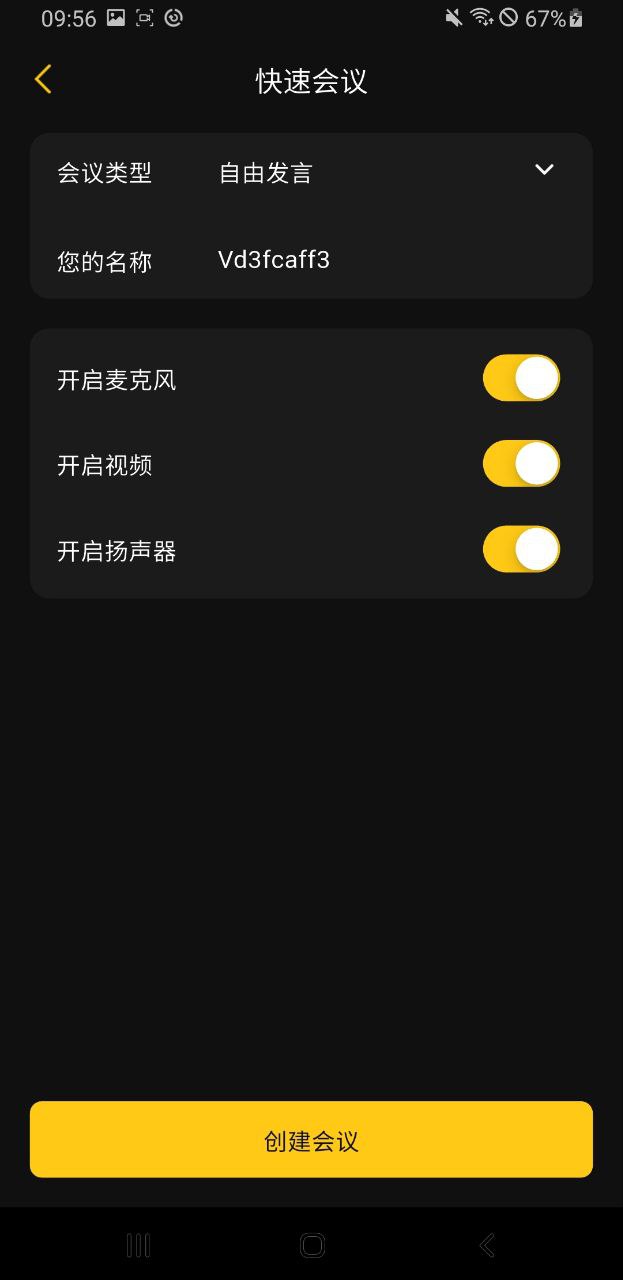
Screenshot 2
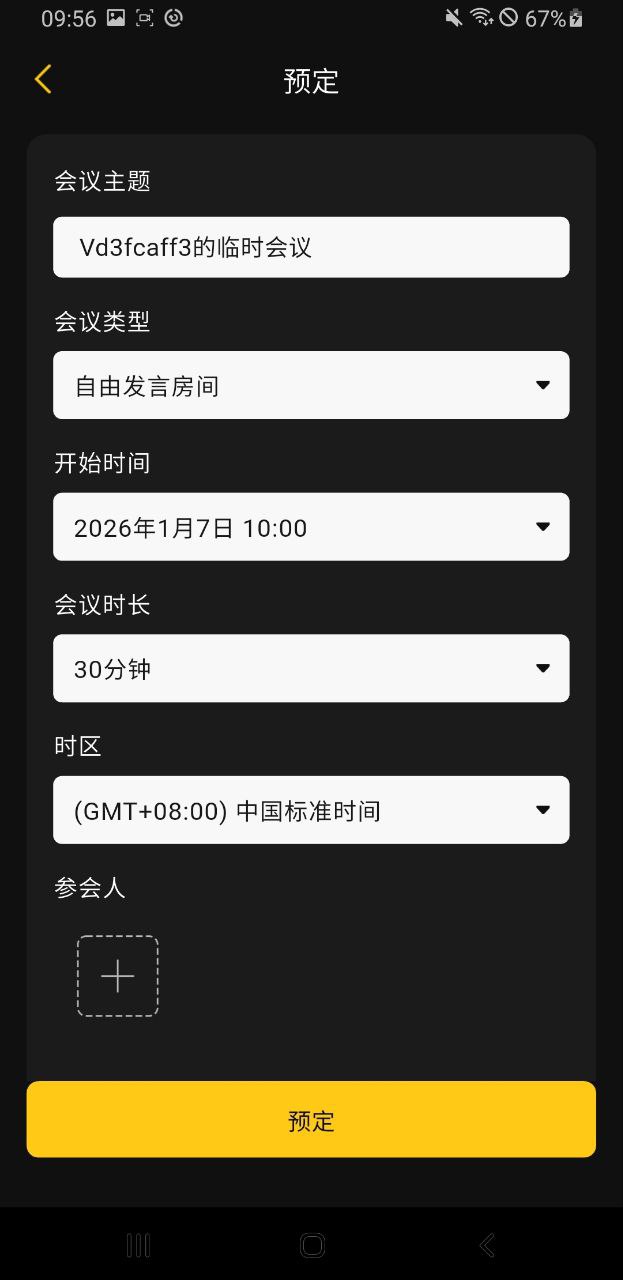
Screenshot 3
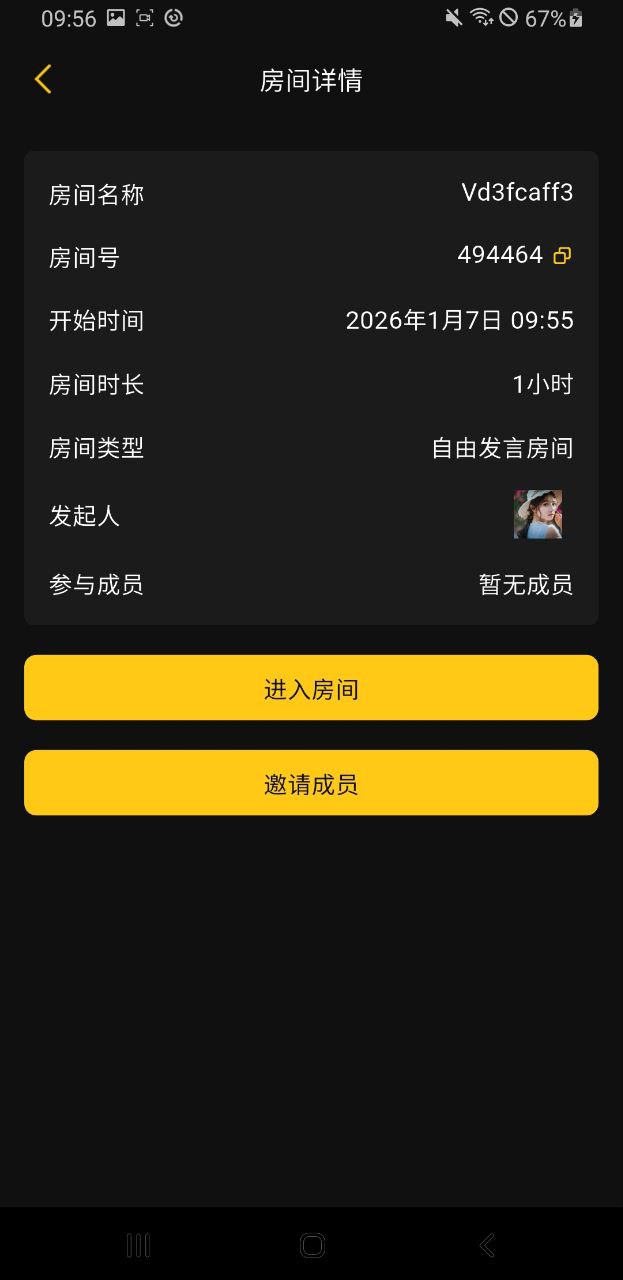
Screenshot 4
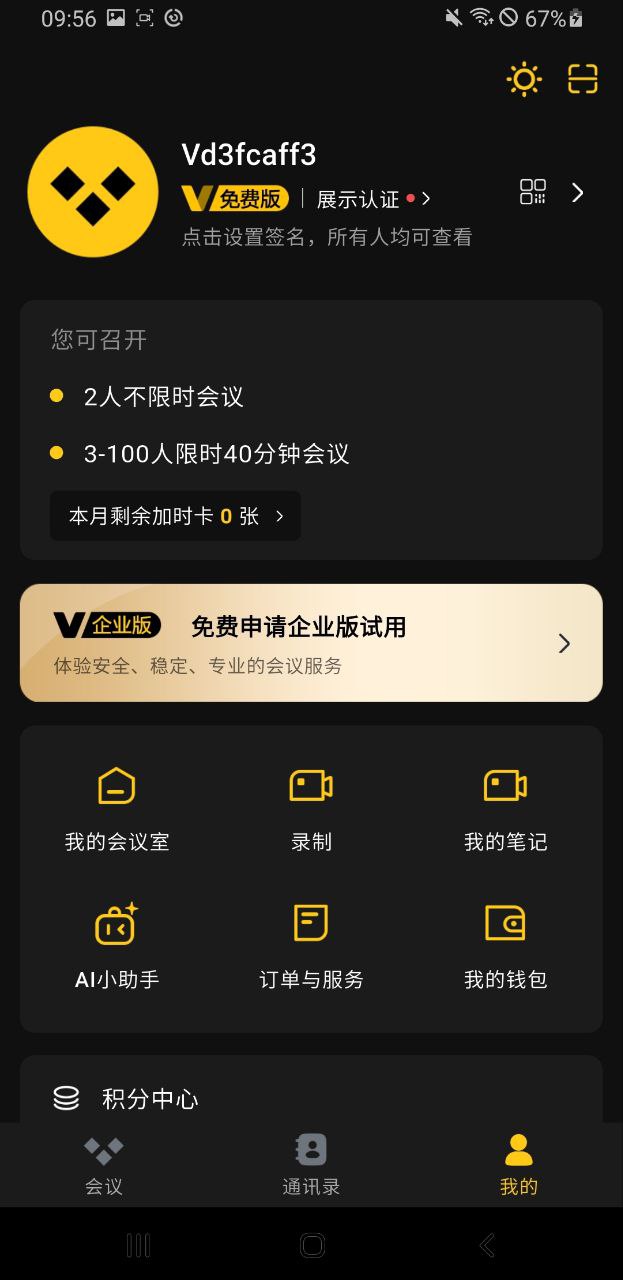
Screenshot 5
Follow these steps to install the VeZoom app
Tap Download APK above to download the latest VeZoom APK to your Android device.
Note: If you download in a mobile browser, ensure you have enough free space (we recommend at least 100MB).
Android blocks unknown sources by default. Enable the permission first:
Tip: Paths vary by Android version; look under Security or Apps.
After download, open Files, find the APK, and install:
When installation completes, you can:
✓ Done! Sign in with your BSC wallet and start decentralized meetings on VeZoom.
VeZoom for iOS supports two ways:
Option A: App Store (recommended) — Search for “VeZoom” in the App Store and install. Easiest and safest.
Option B: Enterprise build — Distributed with an enterprise certificate for early access.
If you use the enterprise build, trust the developer:
⚠️ Note: Only trust certificates from official VeZoom channels.
On first launch you may need to:
✓ Done! You can now use VeZoom for decentralized meetings.
Answers to common questions about installation and usage
Android blocks apps from unknown sources by default. To fix it:
This is expected until you trust the enterprise certificate:
Note: Only install from official VeZoom sources; do not trust unknown developers.
VeZoom supports several ways to connect:
Tip: The first connection may ask for a signature to verify your identity.
Try the following:
Check permissions and network:
It depends on how you installed VeZoom:
Tip: If you see a forced-update prompt, update soon for security and features.
VeZoom runs on a decentralized network. If connection is unstable:
You can earn VZT by participating in the VeZoom network:
Tip: Rewards are sent to your BSC address; check history in the app.


